Find your next experience
Explore CurioSpark Programs
Browse current workshops, clubs, field trips, and seasonal opportunities. Start with whatever sounds like a good fit for your family.
Explore programsCurioSpark Family Portal
Find upcoming adventures, family resources, and all the little details that keep CurioSpark connected.
Family access
Your calendar, registration status, and CurioSpark community links will appear here.
Sign InWelcome to the family
We’re so glad your family is part of this growing community of inclusive, kind humans. CurioSpark is a place to learn, explore, ask questions, find your people, and build the kind of childhood memories that stick.
Choose a path below to find local programs, join community events, or get quick support from fellow CurioSpark families.
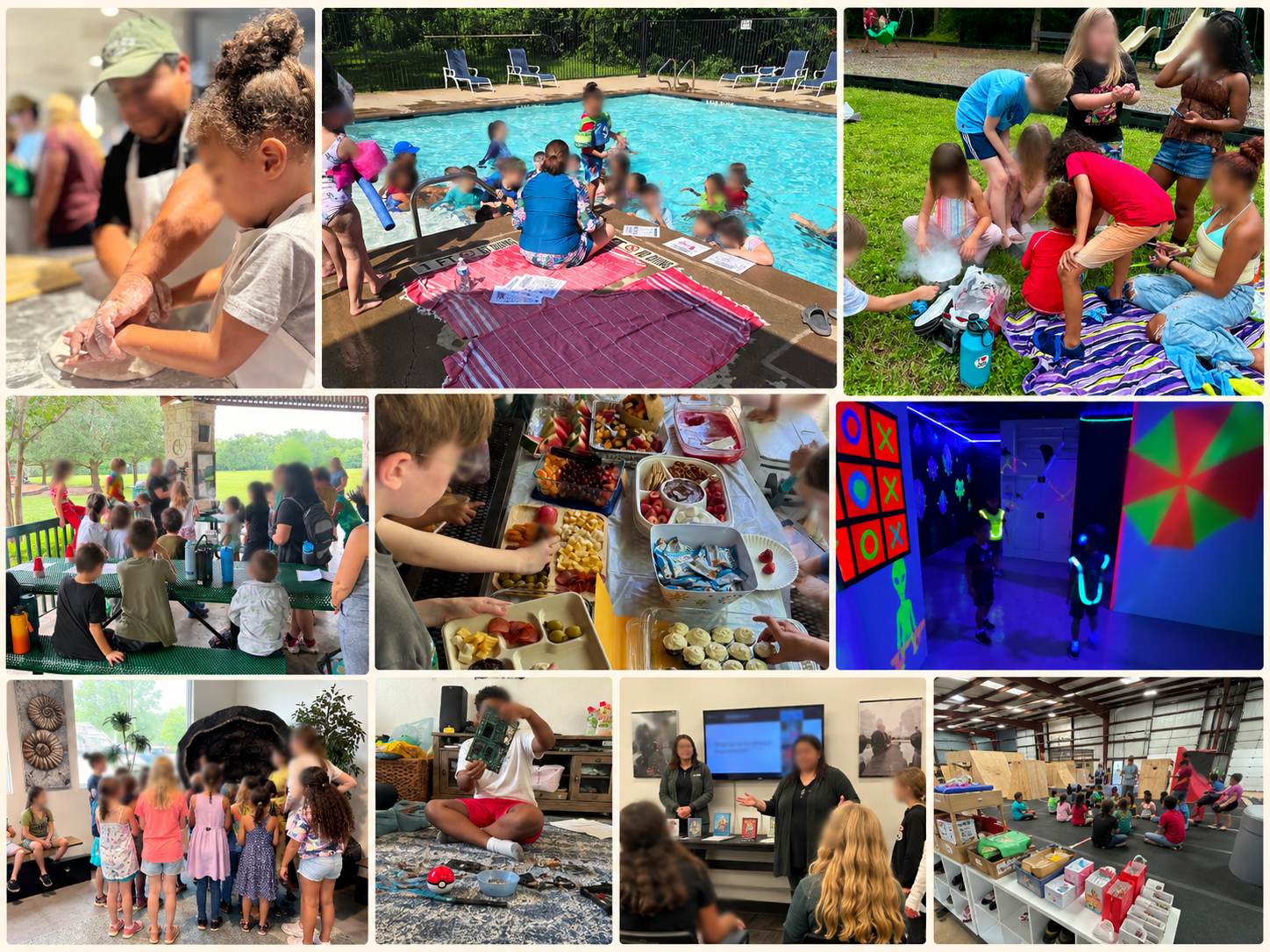
Find your next experience
Browse current workshops, clubs, field trips, and seasonal opportunities. Start with whatever sounds like a good fit for your family.
Explore programsFamily calendar
Swipe across the months to preview what is ahead. Exact addresses stay private for registered families.
Stay in the loop
Keep the conversation going
Find community conversation, reminders, and more enrichment activities in the Facebook Group Events section.
Open Private Facebook GroupPrivate community chat
Join the private GroupMe for quick questions, day-of updates, and community connection with CurioSpark families.
Join Private GroupMeAdmins approve new members.